Building for an Audience of One
I had been looking for an app idea to build when my sister handed me one over a weekend afternoon. She has been gardening more seriously each year, and she spent an hour walking me through every problem she runs into. The list came out unfiltered, which is the most useful kind of list to receive.
She has a ninety percent failure rate and has stopped pretending otherwise. Every seed needs different conditions. Some need light, some need darkness, some need to spend two weeks in the fridge before they go anywhere near soil. Her zone matters and the weather varies year to year, so any advice that ignores the specific week she is in is advice she can't use. She searches for plant information constantly and forgets it just as constantly. She wants the system to remember what she has planted and where, and to surface the right thing at the right time without being asked. When she puts in a plant that does poorly in her zip code, she doesn't want a refusal; she wants an alternative she can actually grow. She wants alerts a few days before a frost so she can cover her pansies, not the morning after. She wants a daily or weekly task list that knows about her garden, her location, the sun path across her yard, and the slugs that show up in February if she hasn't already pre-treated for them.
She wasn't describing a chatbot. Chatbots were what she'd been trying to use, and they were failing her in a specific way. They were happy to answer any question she asked, and they had no memory of her garden, no awareness of her week, no ability to surface the thing she should be thinking about before she thought to ask. She didn't need a smarter Q&A interface. She needed a system that knew her garden as well as she did and prompted her on the right day.
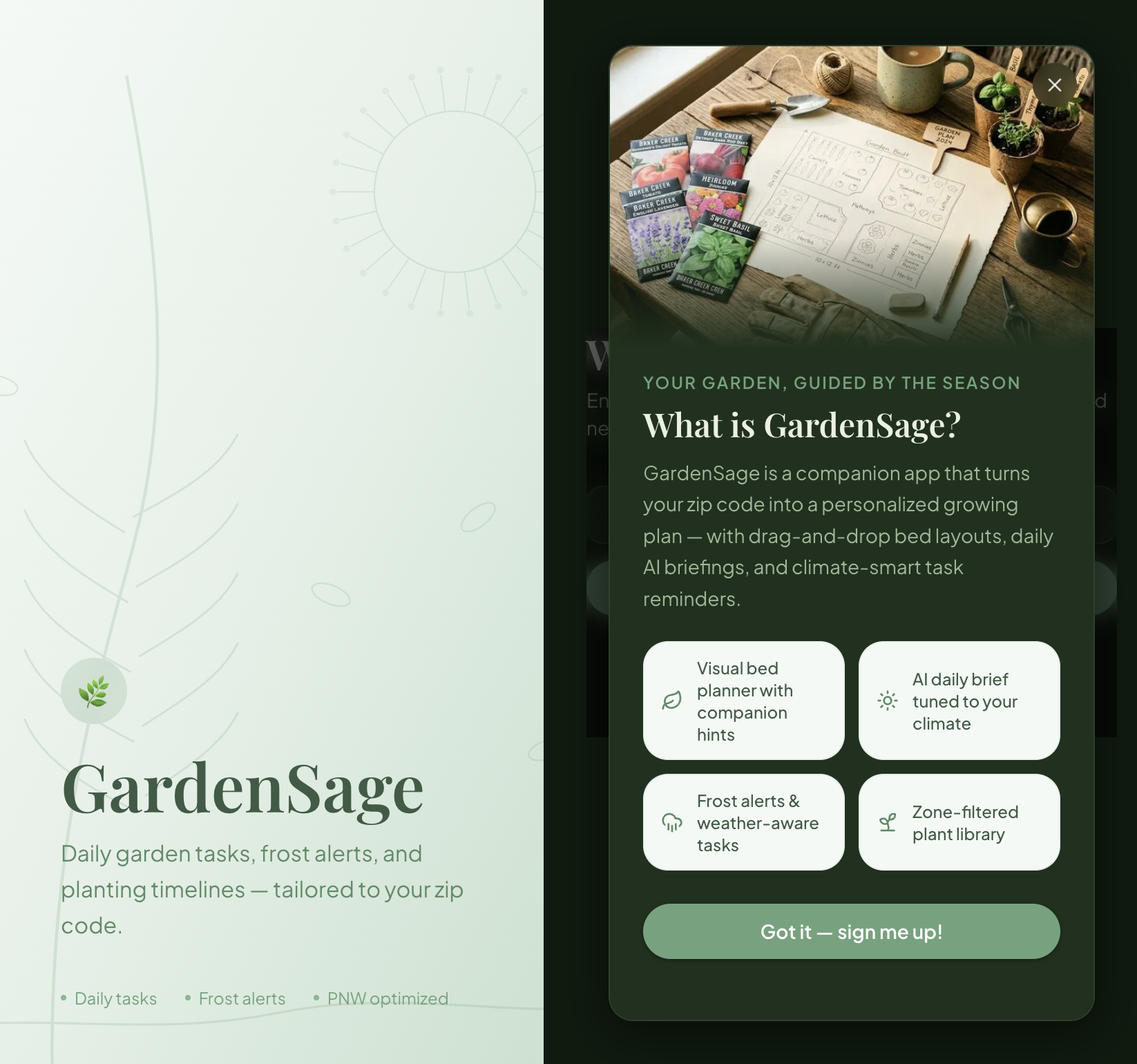
I built GardenSage as that system, for her. The audience was deliberately one person.
I also used the project as an excuse to finally do a few things properly that I had been putting off. Real LLM integration with API keys obfuscated through Vercel environment variables. A real database with row-level security through Supabase. Real email authentication through Supabase Auth and Resend. None of this is novel. Doing it correctly end-to-end, on my own dime, with no team to lean on, was the point.
The stack is Next.js with the App Router, Supabase for auth and data and access control, Tailwind and shadcn/ui for the interface, and @dnd-kit for the drag-and-drop garden bed canvas, which ended up being the most tactile part of the app. Next.js was driven by the read-heavy nature of the workload. Plant data, care schedules, weather lookups. Most of what GardenSage does is pull and present, which made server components the natural shape. Supabase covered three things I would otherwise have had to build separately, which is the kind of decision that pays off every week.
I wrote the data model first. SQL migrations for the plant catalog, the companion relationships, and the care schedules came before any React component. The benefit was that the UI always had real data to render against, which surfaced edge cases I would have otherwise discovered weeks later. The cost was that the seed data eventually grew to 138,000 lines of SQL, which is genuinely painful to diff in a code review. I would make the same call again. I would set up better tooling around the migrations earlier.
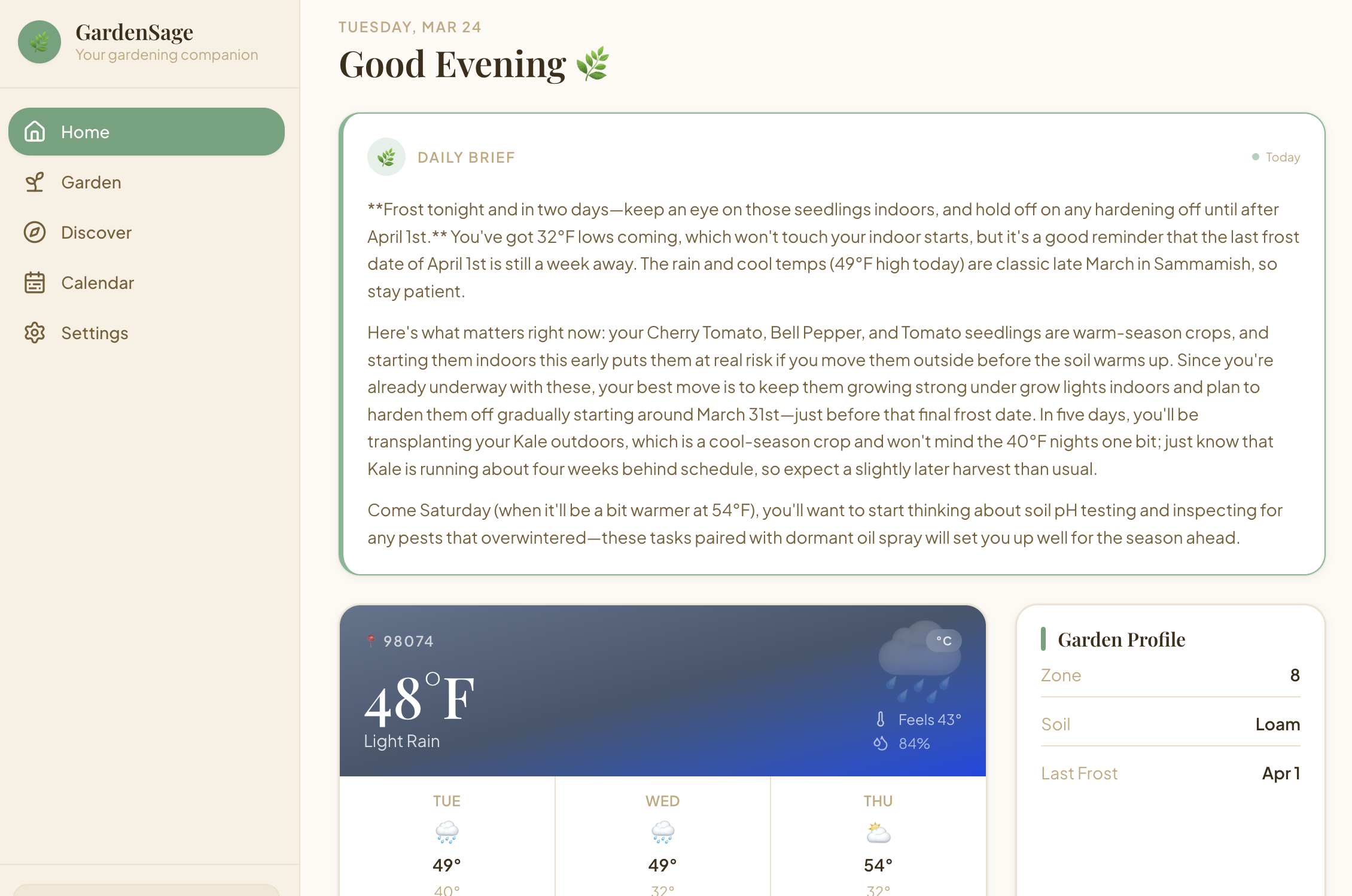
The Daily Brief was a late addition and turned out to be the feature that sold the product to my sister. It is an LLM-generated summary of what is happening in her garden today and what she should be thinking about. The execution constraint was awkward. Vercel's Hobby tier has no cron jobs, so I couldn't just generate the brief at 6 a.m. for every user. I cached one row per user per day in Supabase and used a stale-while-revalidate pattern to serve the previous day's brief instantly while the new one regenerates in the background. The interface never blocks. The user doesn't know there was a constraint.
There are limits I haven't solved. There is no offline support, which matters more in a yard than I appreciated when I started. The task engine is purely server-side, so there are no push notifications when it's time to water. The drag-and-drop canvas is fluid for small beds and degrades on very large ones. The companion planting logic is currently a join table when it deserves a proper graph data structure. I know what each of these fixes looks like. They are queued.
The discipline that made the project actually ship was unglamorous. I wrote a 28-step execution plan at the start. I followed it phase by phase, ran a build after every phase, and fixed whatever broke before moving on. No skipped steps. No "I'll fix it later" debt that compounds and eventually buries the project. It sounds boring. It is the only reason the app is in production.
My sister now has a tool that remembers her garden layout, tracks what she planted and where, and tells her when to cover her pansies before the frost hits. It solves problems for exactly one person, which I suspect is why it works as well as it does. The clearest design constraint I have ever had on a project was knowing the user well enough to call her on the phone when I was unsure.